
How it works
From setup to your daily routine.
GymTribe works the same way whether you track on your own or with a trainer. Here is the path from your first setup step to a normal day of tracking.
Step 1
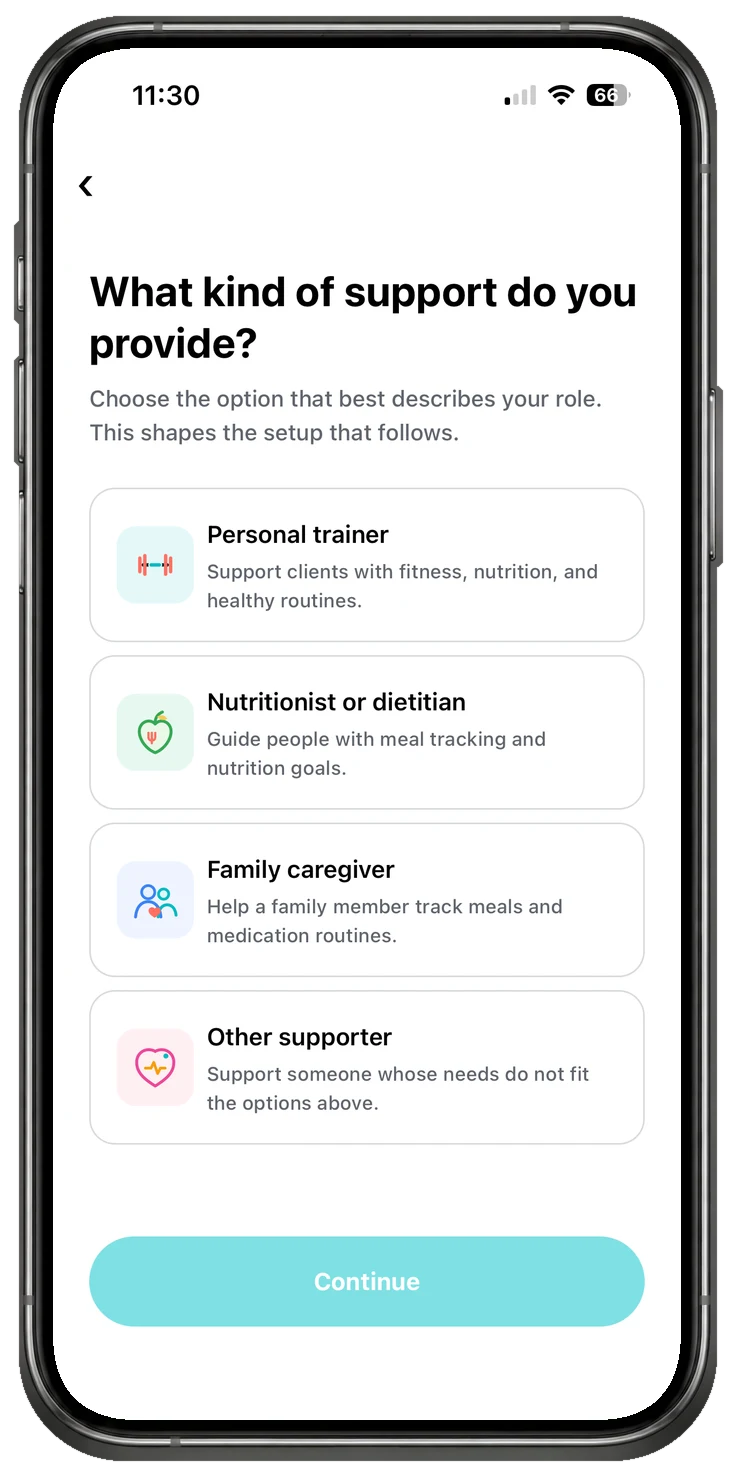
Choose how you will use GymTribe.
Download GymTribe on Android, whether you track for yourself or coach clients. The iPhone version is coming soon. If a trainer has invited you, start from their invitation link instead of general sign-up.
Trainers can also use GymTribe for their own tracking. Switching between Coach and My Fitness does not change your account role.
Step 2
Set up your goal and targets.
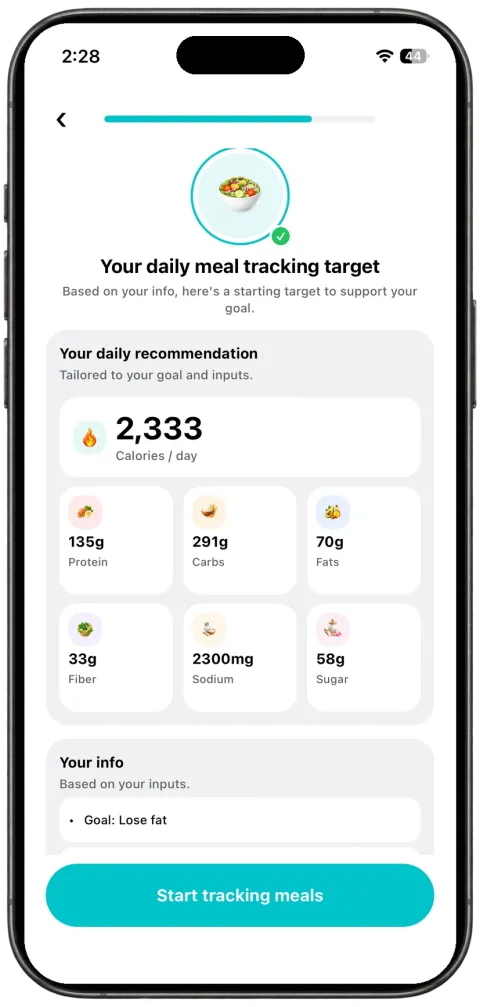
Choose a bulk, cut, or maintain goal. GymTribe uses that starting point to suggest calorie and nutrient targets, with the reasoning visible before you begin logging. Trainers can review and adjust a client's targets from the client workspace.
Step 3
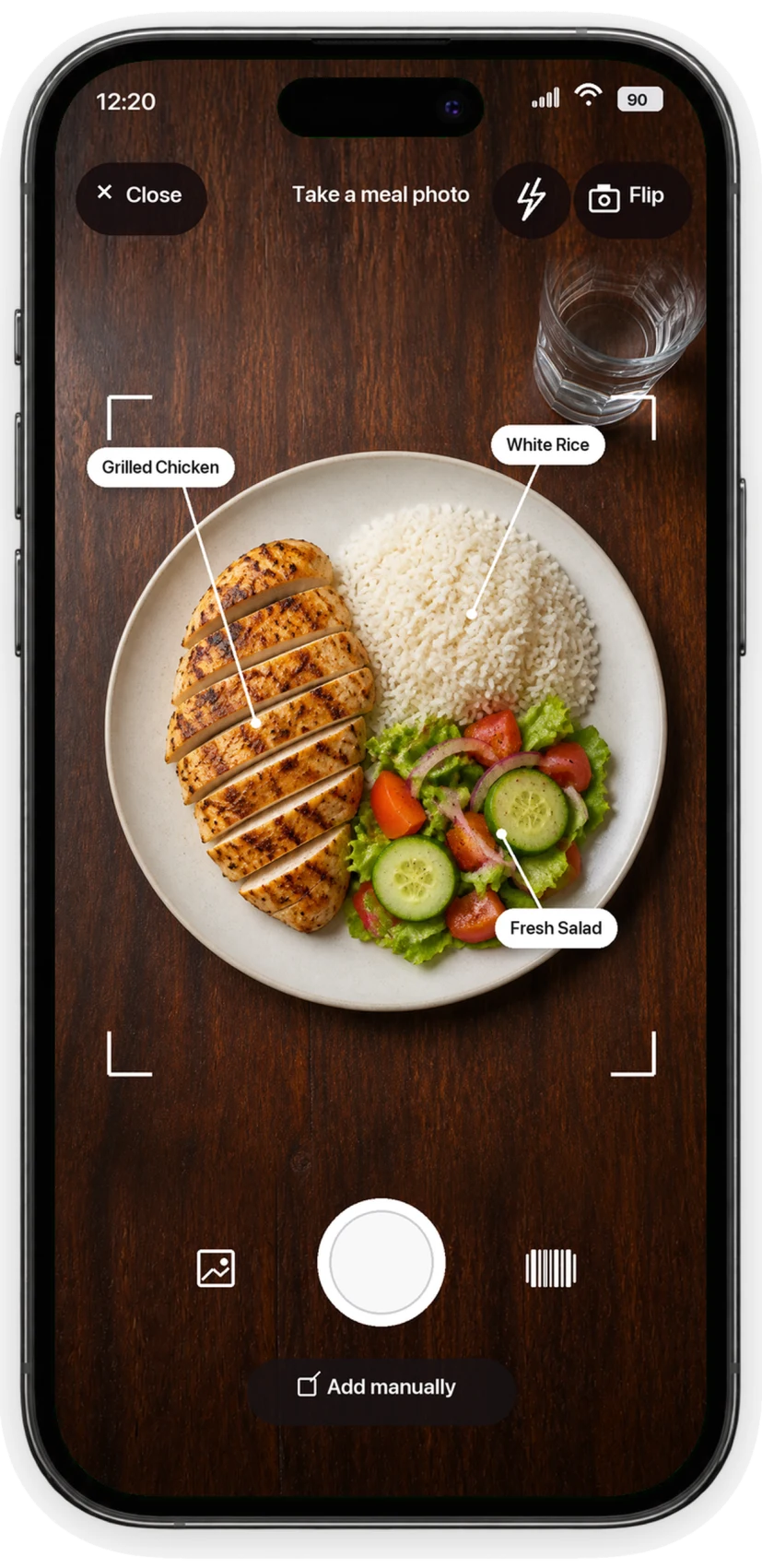
Log your day.
- MealsSearch the food catalog, scan a barcode, take a photo, or enter a meal manually. Review the result and adjust the serving before saving.
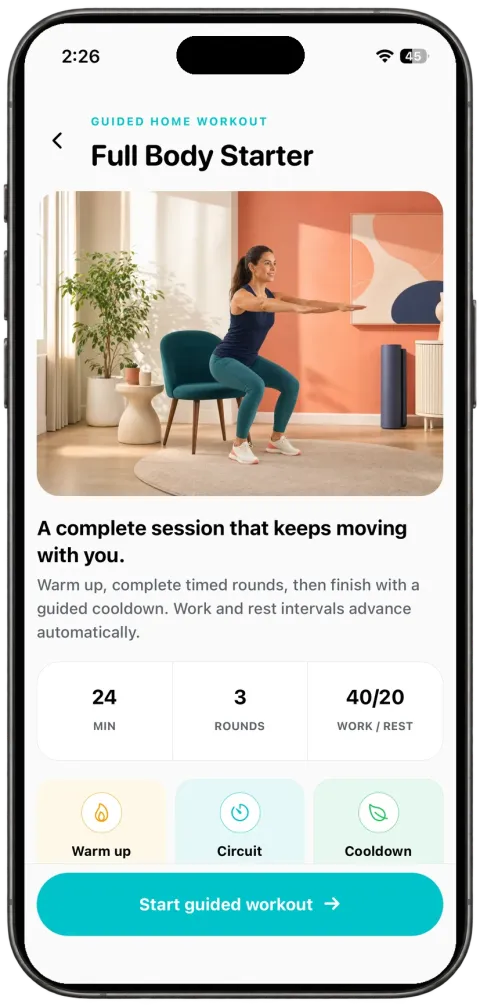
- WorkoutsStart empty, choose a starter routine, or build your own with sets, reps, weight, and rest. Follow a guided home workout or track a cardio session.
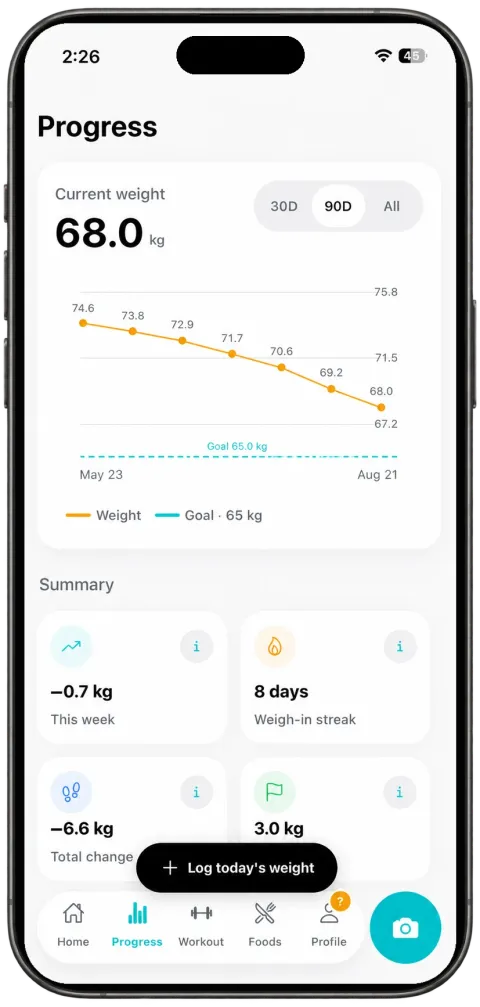
- HabitsLog water, sleep, and weight alongside your nutrition and training records.
Step 4
Review, adjust, and choose what you share.
Your daily view brings calories, protein, carbohydrates, fat, fiber, sugar, and sodium together with your targets. Look back at your history and streaks to see what is changing over time.
If you are connected to a trainer, your tracking history is not automatically visible. Sharing starts from your invitation date by default, and you choose what is available in your sharing settings.
For trainers
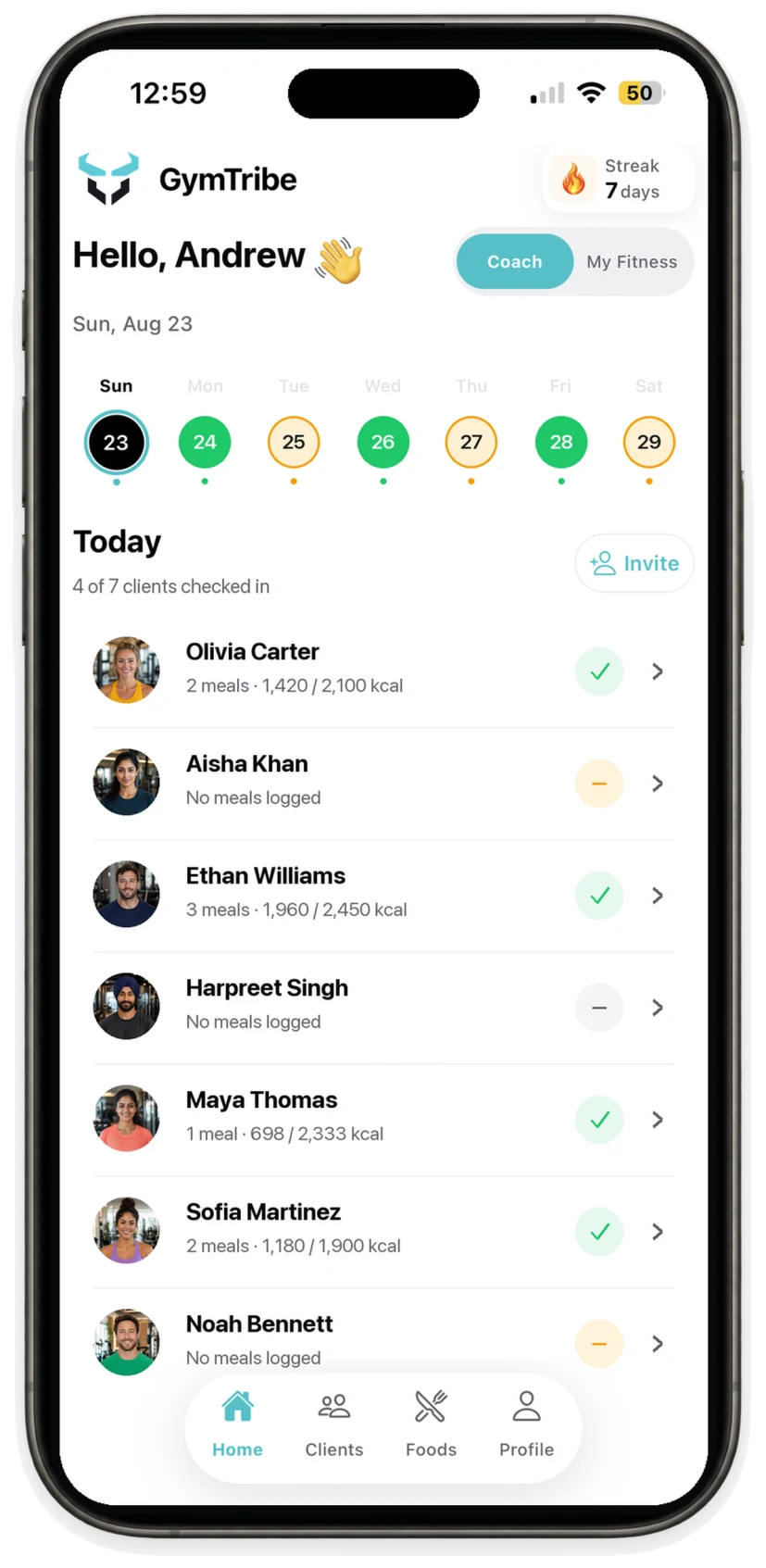
A coaching day built around selected-date review.
Open a client, choose a date, and see who logged meals that day. Review their food against nutrition targets, adjust targets when needed, and build workouts your clients follow in their own app.