
For individuals
AI meal photo estimates: what they can tell you and what to double-check.
Photo-assisted meal logging is one of four ways to log food in GymTribe. Here is what it is good at, where it needs your judgment, and when another method is faster.
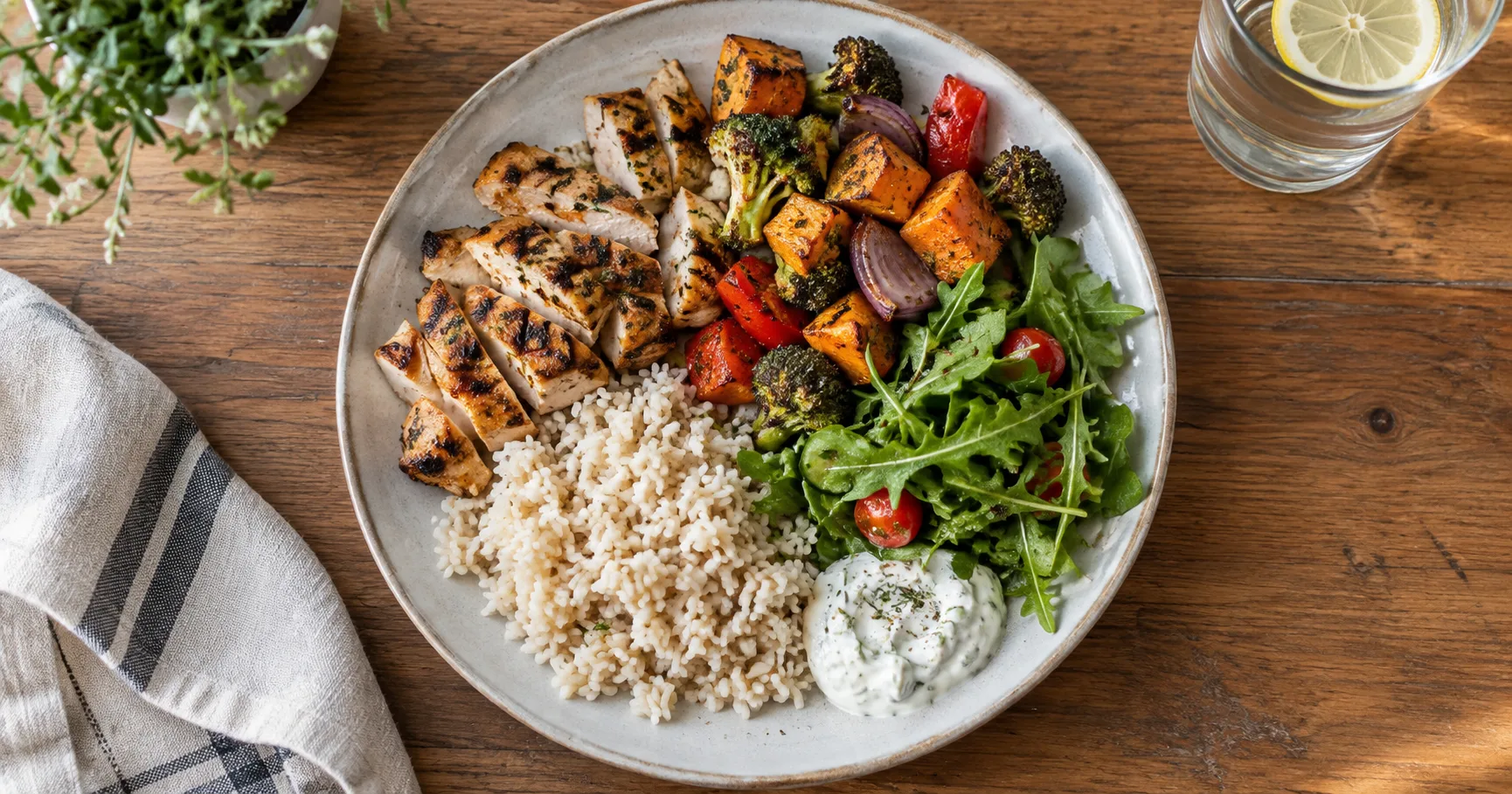
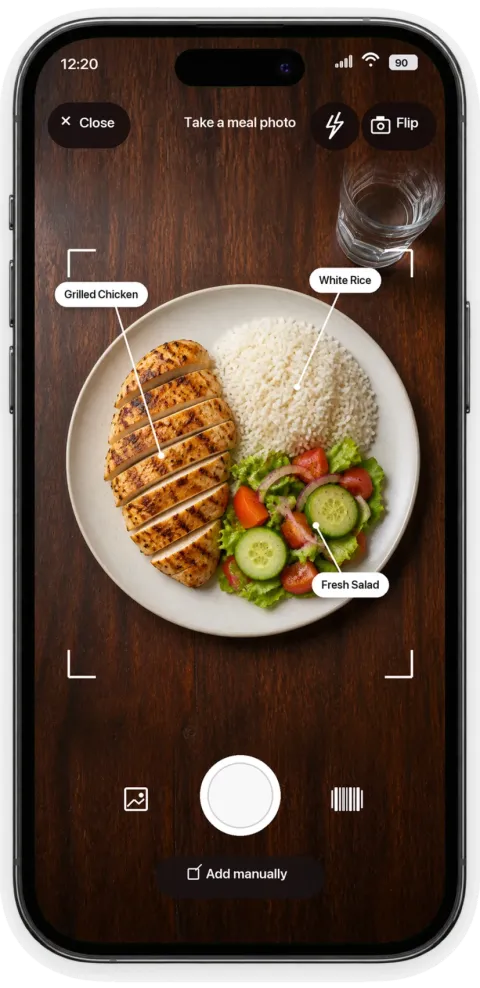
01 / The photo review step
What happens when you photograph a meal.
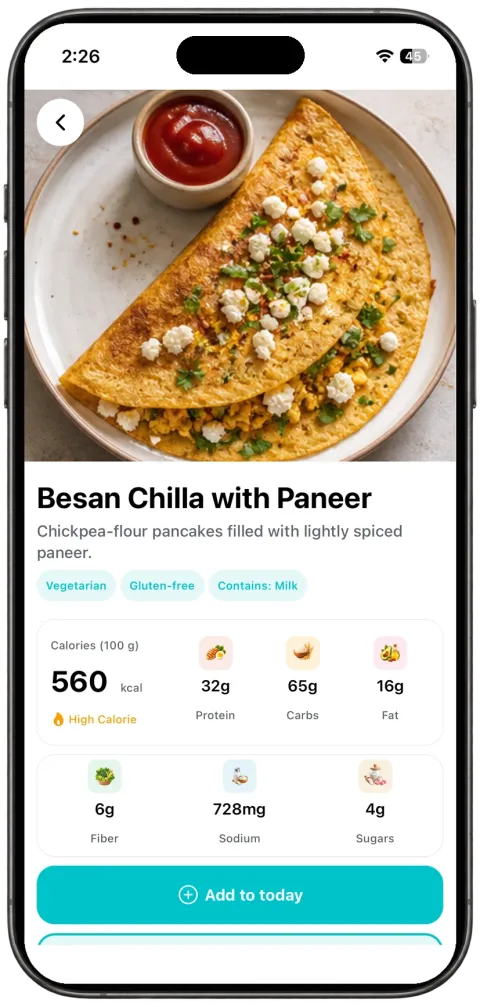
Take a photo or choose one from your library, and GymTribe returns an identified list of foods with an estimated serving and nutrition breakdown.
This is a starting point, not a finished log entry: you review the identified foods, adjust the serving if needed, and confirm before it is saved.
02 / Why review matters
Why the estimate needs your review.
Photo-based estimation works from a single image, so mixed dishes, hidden ingredients, sauces, and portion size can be hard to judge exactly.
GymTribe treats every AI meal result as an estimate for you to check, not a medical or clinically verified value. If something looks off, adjust it before saving.
03 / Your options
The other three ways to log a meal.
- Catalog searchSearch the food catalog, choose a match, and enter your serving size in grams.
- Barcode scanScan a packaged food's barcode and review the matched product before logging. Barcode matches depend on available product data, so always check the result.
- Manual entryWhen there is no catalog match, enter the food yourself so you are never blocked from logging.
Photo logging is fastest for a home-cooked or mixed meal. Barcode and catalog search are more precise for packaged foods and common items. Recipes and ingredient details, including trainer-shared recipes, stay connected to your log so you can see what went into a meal later.
What GymTribe does not claim
Estimates you review, not a clinical result.
GymTribe's AI meal results are estimates you review, not clinical nutrition advice, a diagnosis, or a guarantee of nutritional accuracy. Treat them the way you would treat any quick estimate: useful for daily tracking, and worth a second look when the details matter.