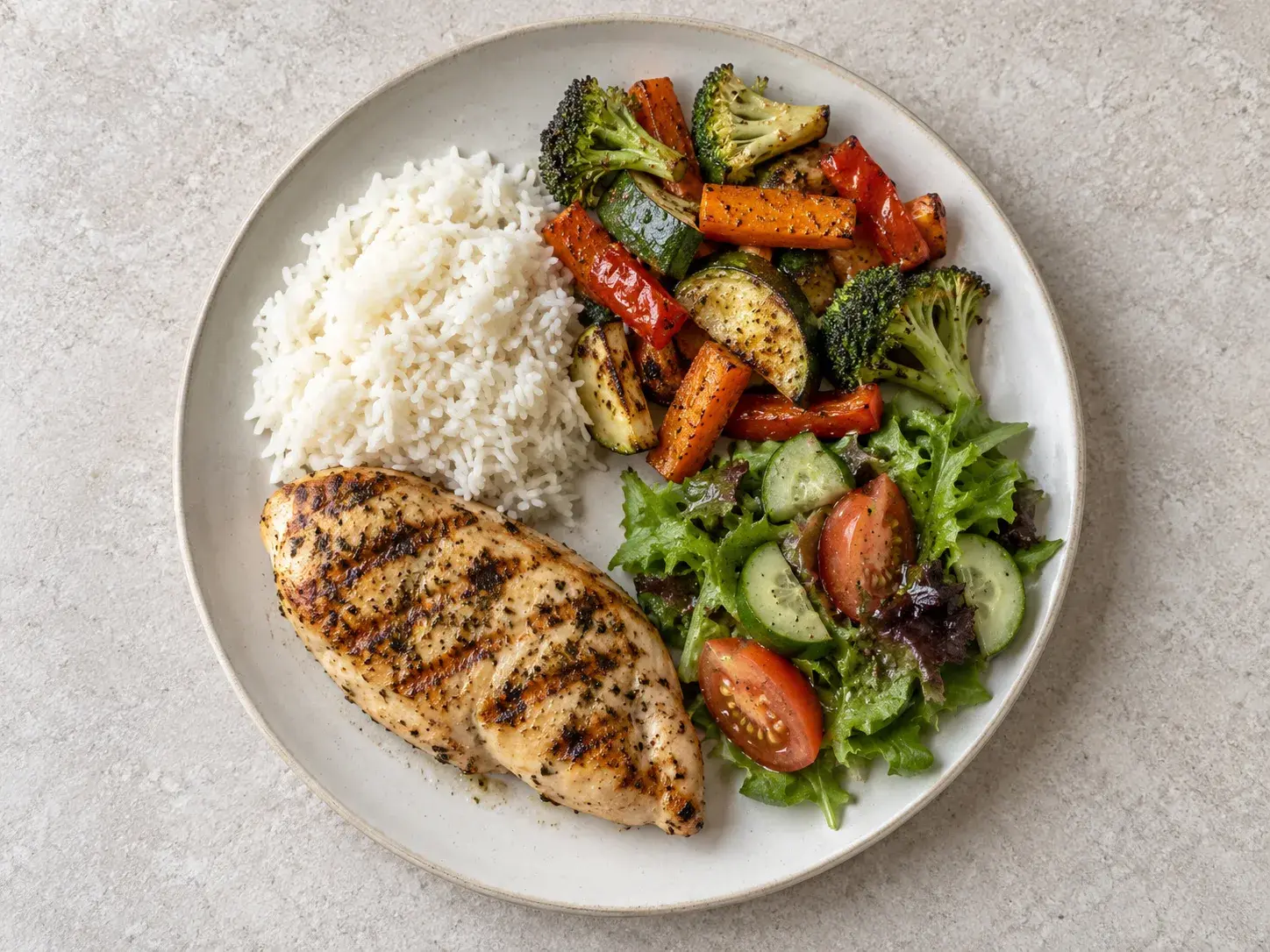
Log a meal three ways
Snap a photo for an AI estimate, scan a barcode, or pick from the food catalog. Calories, protein, carbs, fat, fiber, sodium and sugar against your daily targets.
Food, workouts, sleep and steps in one log. Every morning GymTribe reads them together and tells you what's short, what's over and the quickest fix.
Training with a coach? Share your log with them. Free to start.

Real days, not perfect ones.
Snap breakfast before you sit down, fit a workout in between, log water when you remember. GymTribe keeps the whole day in one place, on your own or with your trainer.
Morning brief
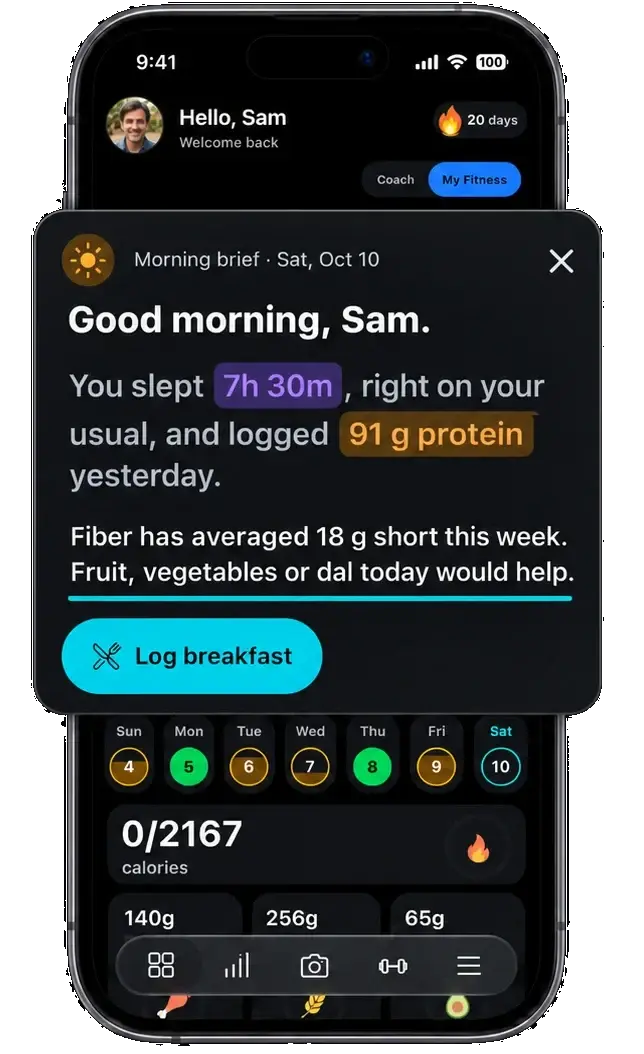
Every morning GymTribe reads your sleep, food and training together, and tells you the one thing worth knowing today.
Sleep, food, water, training. Numbers you typed in and never looked at again.
Fiber came in short four days running. Not the calories, not the protein. The one thing you would never have spotted.
One line on what is short, and one thing to do about it today. Written from your own numbers, not a template.
A missed session, a skipped meal, a short night, with the nudge ready to send. Only from what you chose to share: you pick what your trainer sees, and from when.
Track your day
Food, training and recovery sit together, so you can see the whole day at a glance.
Snap a photo for an AI estimate, scan a barcode, or pick from the food catalog. Calories, protein, carbs, fat, fiber, sodium and sugar against your daily targets.
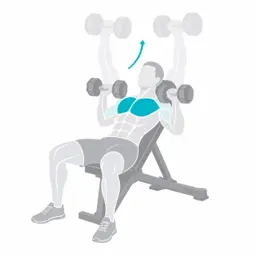
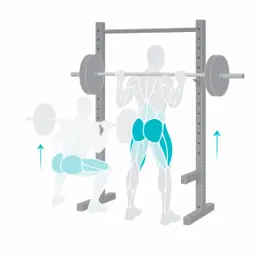
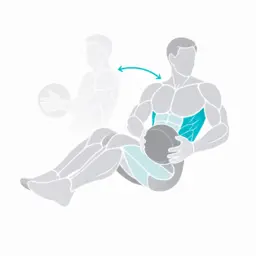
600+ exercises, quick workouts, starter and custom routines, supersets, a rest timer and your full history.
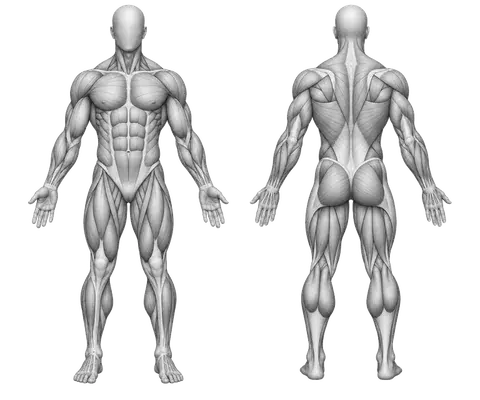
Estimated 1RM and heaviest-weight charts for every exercise, personal records with a New PR alert mid-workout, volume, sets and reps trends, and a muscle distribution map.
Describe what you want and get a workout plan you can edit.
Steps, workouts and sleep sync with the health app already on your phone.
For trainers
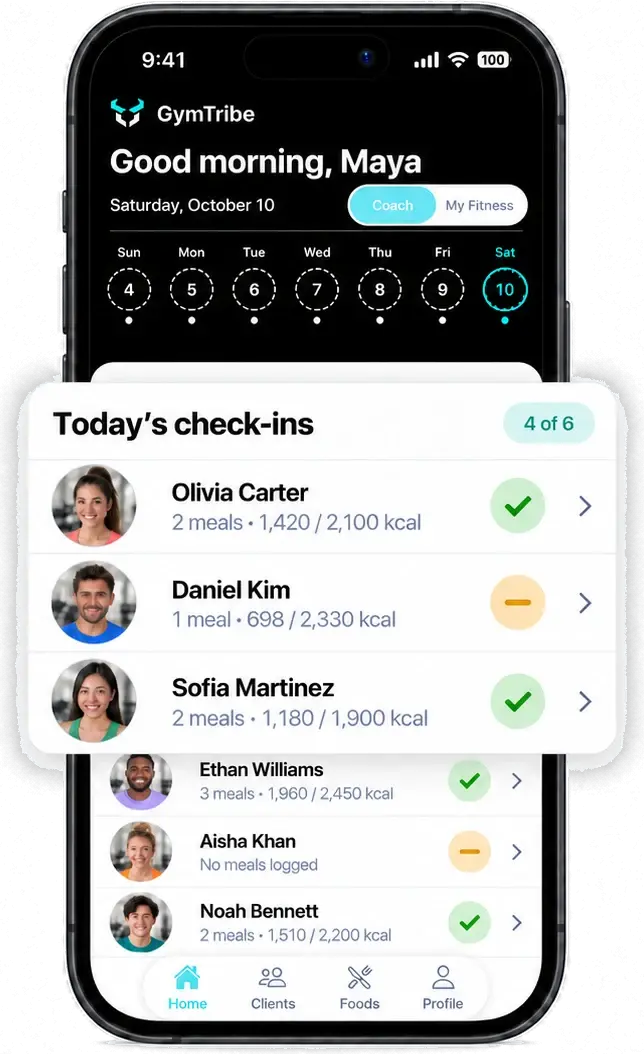
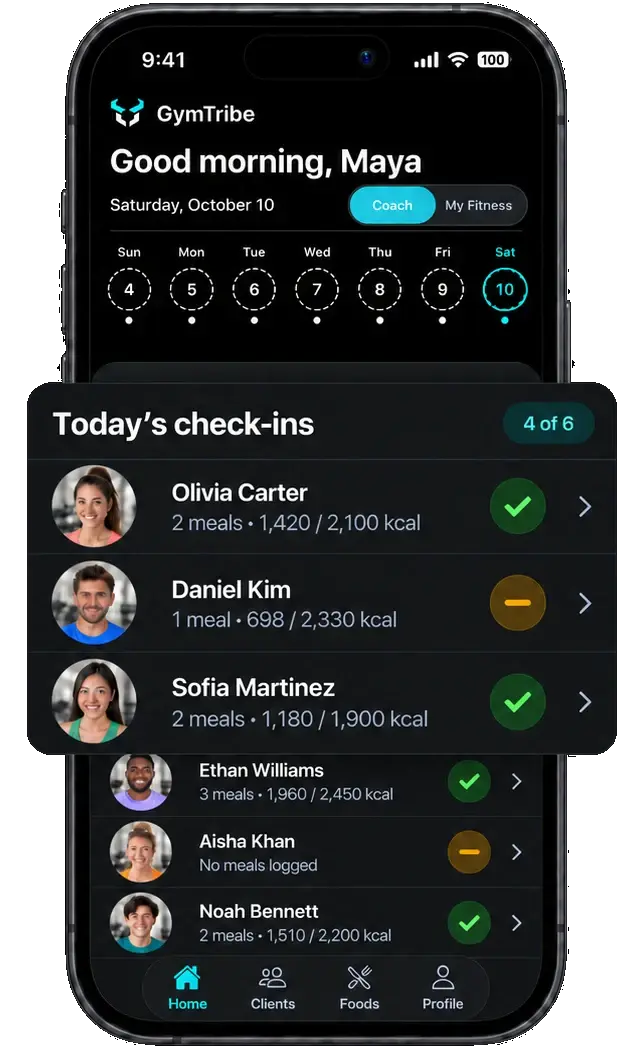
Switch to Coach and every client is in one list. Switch back to My Fitness for your own day, without a second account.

Coach Maya
Coach mode. Six clients, today's check-ins, between sessions from the gym floor.
 Nudge sentTo Daniel Kim · just now
Streaks and medals
Log something every day and the year fills in, one square per day, darker with every extra workout. A week earns bronze, a month silver, 66 days gold. There are 22 more after that.
See every medal →All 25 medals, and what each one takes.
Privacy and AI
Photo results are estimates. You review and edit them before anything is saved. Manual logging is always free.
By default a trainer sees your data from the day you accept their invitation, not before.
Want your trainer to see your full history? You can choose to share it. Supplement routines need your permission.
Pricing
Logging food, workouts and habits is free on every plan. Premium shows how far you have come, with your full history, strength trends and more AI.
Everything you need to track your day and build the habit.
$0
No trial, no card. Free to use for as long as you like.
What you get, free
See how far you have come, and log faster with AI.
Billed
Everything in Free, plus
No payment method needed for the trial.
Try Premium free for 14 daysYou subscribe inside the app through Google Play, which shows the final price in your currency, including any tax, before you pay. Cancel any time in Google Play. Free and trial plans never charge automatically.
Download GymTribe on Android. Use it on your own, or invite your clients.