

For individuals
A calorie counter and workout tracker, in one app.
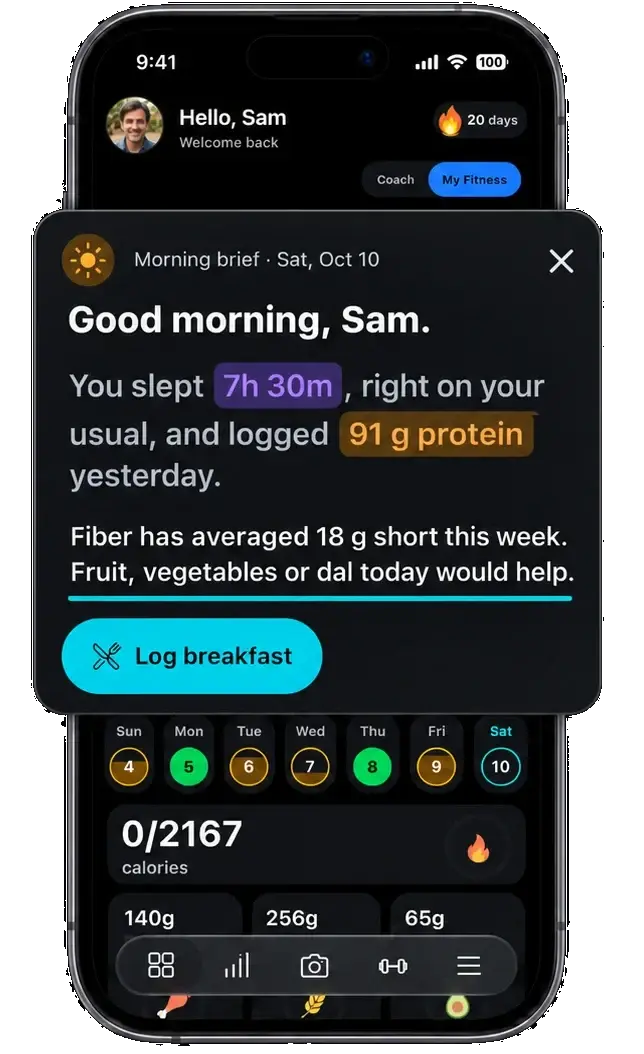
Log meals by photo, barcode or search, track workouts and strength, and keep sleep, steps and water in the same day. Each morning starts with a short brief written from your own logs.
Your day
Everything you track, in one log.
Food, training and recovery in the same place, so one look tells you how the day is going.
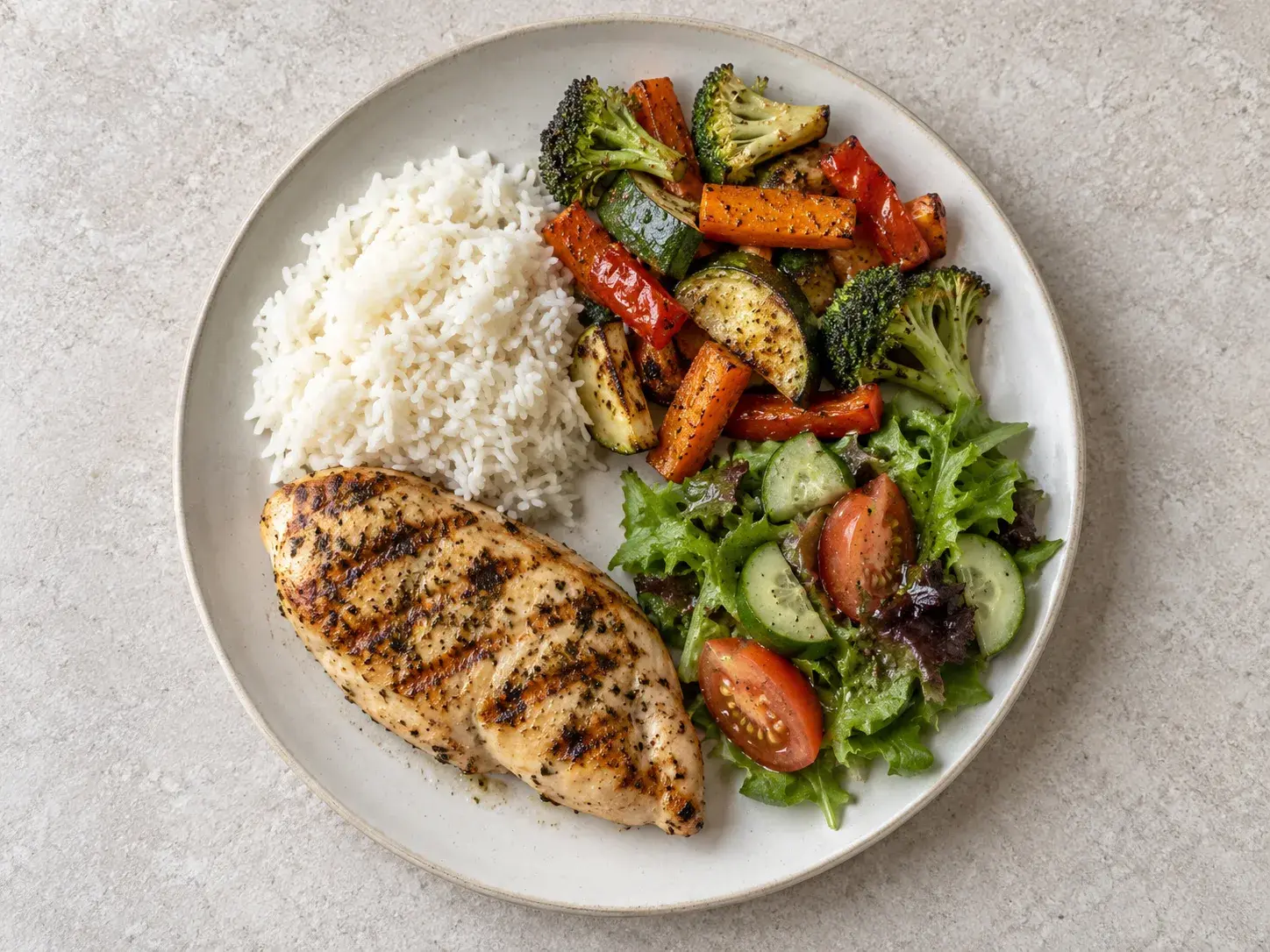
Snap a photo for an AI estimate you check before saving, scan a barcode, or search the food catalog. Calories, protein, carbs, fat, fiber, sodium and sugar sit against your daily targets.
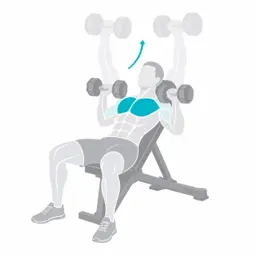
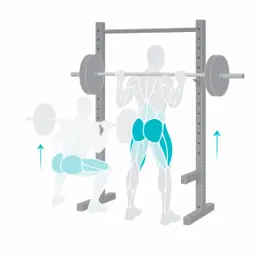
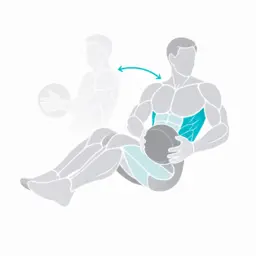
600+ exercises, quick workouts, starter and custom routines, supersets and a rest timer, with every set saved to your history.
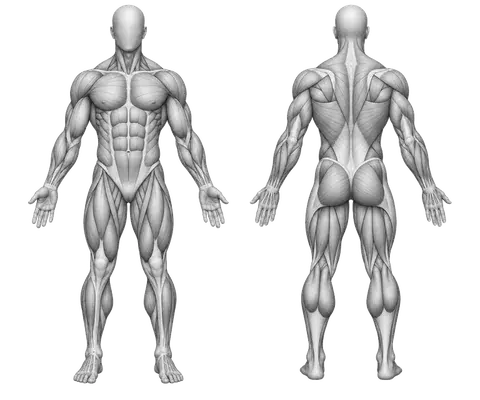
Estimated 1RM and heaviest-weight charts for each exercise, personal records with a New PR alert during your workout, volume trends and a muscle map.
Last night's sleep stages next to today's steps. Steps, workouts and sleep sync from Health Connect, so you are not typing them twice.
Quick daily check-ins for water and weight, next to your food and training, with your weight trend over time.
Every meal photo you log, laid out by day. Share your month as one card, with your own photos or food illustrations.



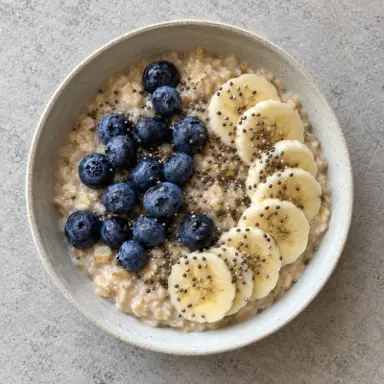
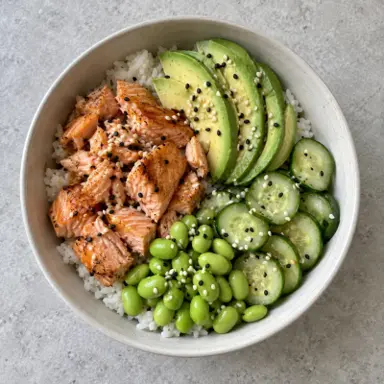
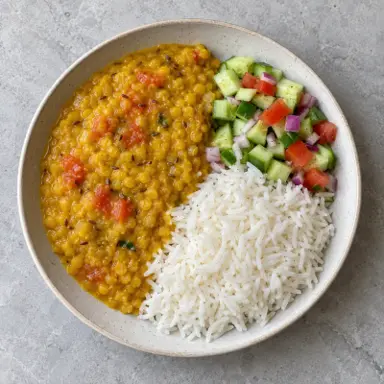
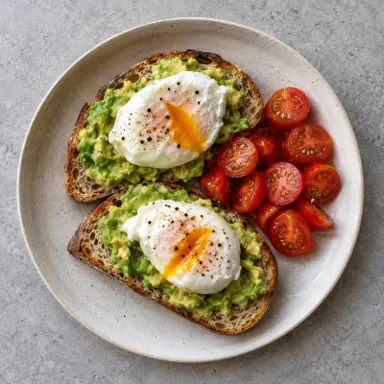

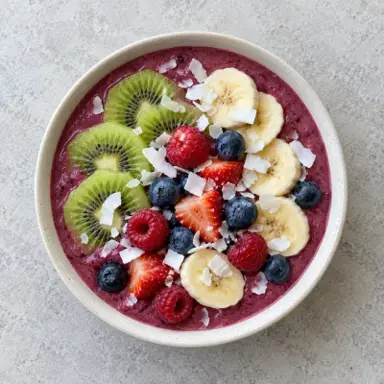
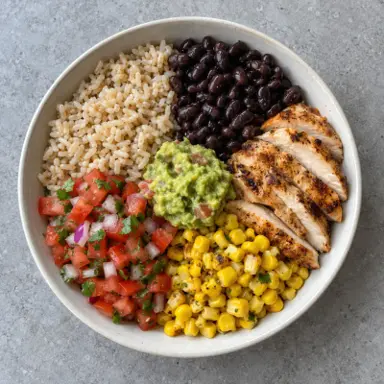
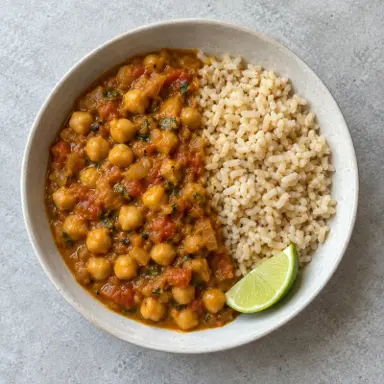


Morning brief
Nobody reads their own logs. This does.
Every morning GymTribe reads your sleep, food and training together, and tells you the one thing worth knowing today.
Sleep, food, water, training. Numbers you typed in and never looked at again.
Fiber came in short four days running. Not the calories, not the protein. The one thing you would never have spotted.
One line on what is short, and one thing to do about it today. Written from your own numbers, not a template.
Next update
A missed session, a skipped meal, a short night, with the nudge ready to send. Only from what you chose to share: you pick what your trainer sees, and from when.

Working with a trainer?
Same app, same log, shared when you say so.
Your trainer invites you with a link or QR code, sees the meals you share by date and adjusts your targets. You keep logging exactly as you do now.
Questions people ask
Plain answers about the free plan, your data and what the app does today.
Is GymTribe free?
Yes. The free plan logs food from the catalog, by barcode or by hand without limits, follows workouts, and tracks water, sleep, steps, weight and your streak. It includes 3 AI photo and 10 AI text meal analyses and 3 AI-built workouts a month, and your last 3 months of history. Premium adds your full history, strength trend charts and more AI.
Is GymTribe a calorie counter and a workout tracker?
Both, in one app. You log meals against calorie and macro targets, log workouts set by set, and see food, training, sleep, steps and water in the same day.
Can I log food from a photo?
Yes. Take a photo and GymTribe gives an AI estimate of what is on the plate, which you review and edit before saving. AI results are estimates, not medical or clinical nutrition advice.
Can I scan barcodes?
Yes. Scan a packaged food's barcode and its nutrition fills in for you to check before saving. Barcode, food catalog and manual logging are unlimited on the free plan.
Which nutrients does GymTribe track?
Calories, protein, carbs, fat, fiber, sodium and sugar, each against a daily target, plus water.
Does GymTribe track my 1RM and personal records?
Yes. Each exercise keeps personal records, and a New PR alert appears during your workout when a set beats one. The estimated 1RM and heaviest-weight trend charts are part of Premium; records and set charts for your last 3 months are free.
How is estimated 1RM worked out?
With the Epley formula, weight × (1 + reps ÷ 30), from the sets you log. A set of 8 reps at 60 kg gives about 76 kg. You can try your own numbers in the free 1RM calculator on this site.
Does it have workout routines and supersets?
Yes. There are 600+ exercises, quick workouts, starter and custom routines, supersets and a rest timer, and every set is saved to your history. You can also describe what you want and build a workout plan with AI.
What is the morning brief?
A short note each morning written from your own logs, such as your sleep, protein and fiber, with a suggested next step for the day.
Does it work with Health Connect?
Yes. Steps, workouts and sleep sync from Health Connect on Android. The iPhone app, coming soon, syncs with Apple Health.
Do I need a personal trainer to use it?
No. GymTribe works on its own. If you work with a trainer, they can invite you into the same app to see the meals you share and adjust your targets.
Who can see my data?
Only you, unless you accept a trainer's invitation. A trainer then sees what you share from the invitation date onwards. You choose whether to share earlier history.
What happens to my data if I stay on the free plan?
Nothing is deleted. The free plan shows your last 3 months; older entries stay stored and come back when you subscribe.
Can I delete my account?
Yes, at any time, in the app or by email. The delete account page on this site explains what is deleted and what is kept.
Is there an iPhone app?
It is coming soon. Today GymTribe is on Android through Google Play.