

AI calorie counter
Count calories from a photo of your plate.
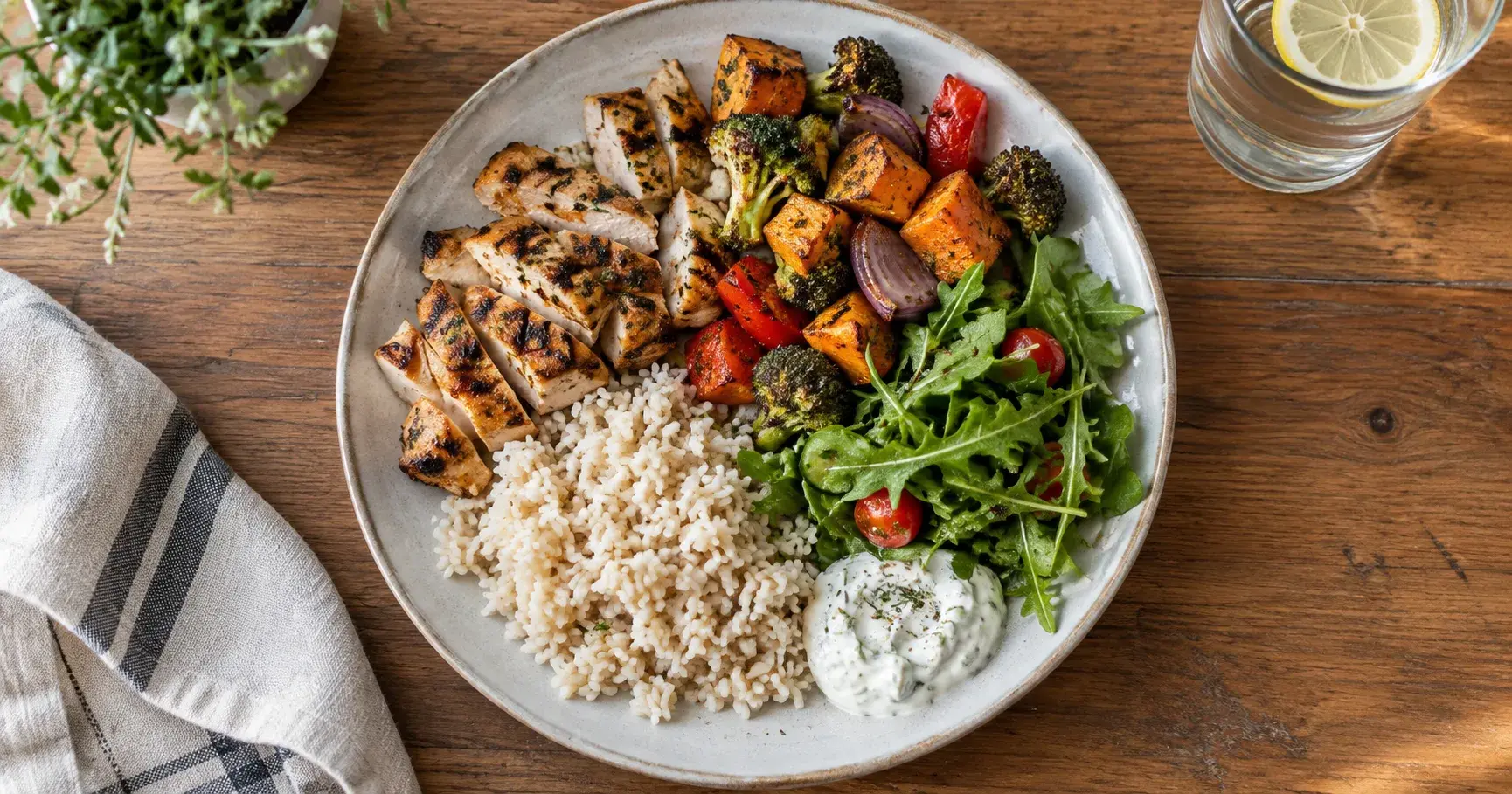
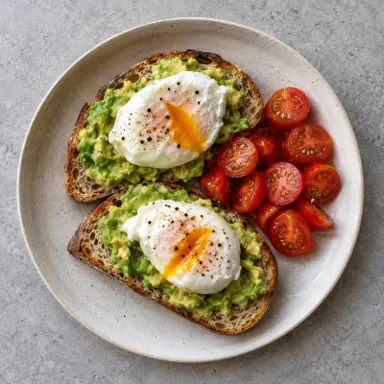
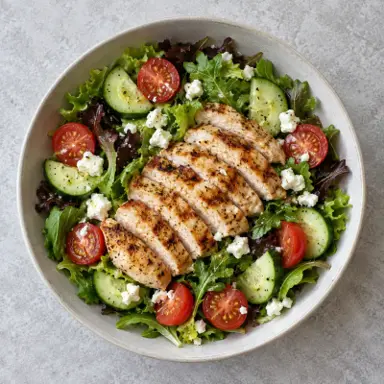
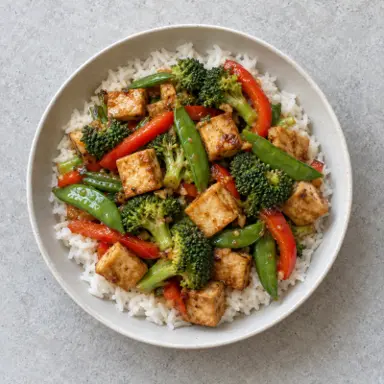
Take a photo and GymTribe recognizes each food, then estimates its portion, calories, protein, carbs and fat. You check every item before it is saved.

How it works
From photo to logged meal.
Every AI result is an estimate you review: fix a portion, remove a food or add one it missed, then add it to today.
Place the meal inside the frame and take the photo, or choose one from your gallery. GymTribe recognizes each food on the plate.
Every food shows its estimated portion and calories. Change a portion or remove a food, and the meal's calories, protein, carbs and fat update before you add it to today.
Type the food and the amount in grams, pieces, mL or servings, and GymTribe estimates its nutrition. A meal you describe without a photo works the same way.
Scan a packaged food's barcode, search the food catalog, or add the name and calories yourself. None of these uses an AI analysis.
Calories, protein, carbs, fat, fiber, sodium and sugar add up through the day, each against your daily target.
The food calendar fills with each day's meal photos, and My month on a plate sums up the month in one card you can share.


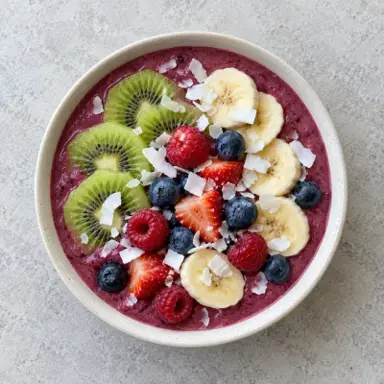
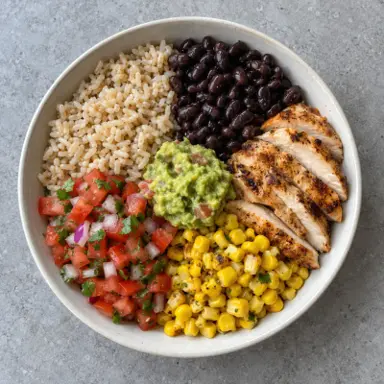
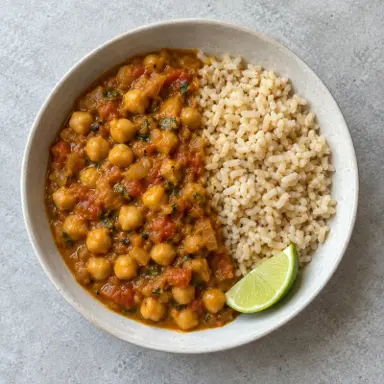


An estimate, checked by you
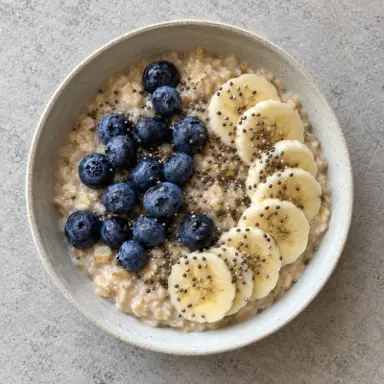
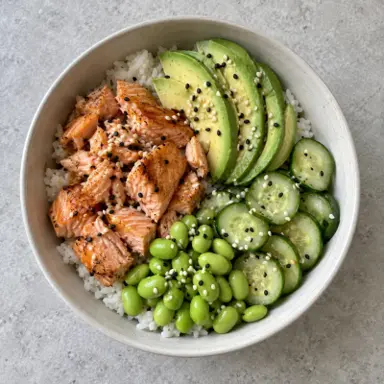
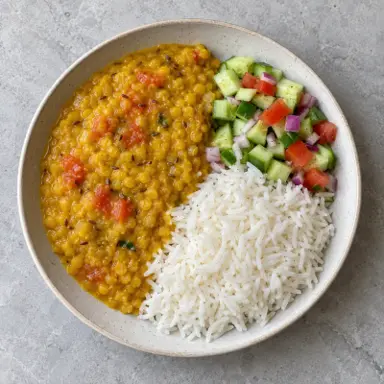
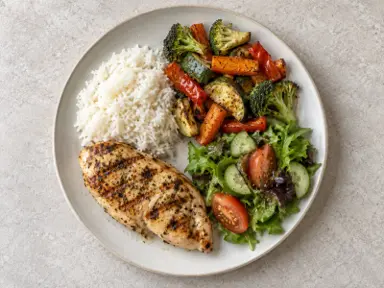
Portions are the part to check.
A photo shows what is on the plate, not how much oil went into the pan or what sits under the rice. Look at each portion before you save, and scan the barcode or weigh the serving when the numbers matter.
AI calorie counter questions
How photo logging works in GymTribe, what it costs and how to check a result.
Can GymTribe count calories from a photo?
Yes. Take a photo of your meal, or choose one from your gallery, and GymTribe recognizes each food on the plate and estimates its portion, calories, protein, carbs and fat. You check the result before it is saved.
How does AI meal photo logging work?
Place the meal inside the camera frame and take the photo. The Confirm meal screen lists every food it recognized with an estimated portion and calories, plus the meal's totals. Change anything that looks off, then tap Add to today.
How accurate are AI calorie estimates?
They are estimates, not measured values. A photo shows what is on the plate but not how much oil went into the pan or what sits under the rice, and portion size is the hardest part to judge. Check each portion before saving, and use a barcode or a weighed serving when the numbers matter.
Can I change what the AI found?
Yes. You can change each food's portion, remove a food, or add one it missed, and the meal's calories and macros update before you save. You can also retake the photo.
What if the photo misses a food?
Tap Add food item, then type the food and the amount in grams, pieces, mL or servings. GymTribe estimates its nutrition and adds it to the plate.
Can I log a meal by describing it?
Yes. Type what you ate and how much, and GymTribe estimates the nutrition for you to review. It counts as a text analysis rather than a photo analysis.
Is AI photo logging free?
The free plan includes 3 photo and 10 text meal analyses a month. Premium includes 200 photo and 400 text analyses a month. If you are coached by a trainer in GymTribe, your analyses come out of your trainer's plan.
Can I log food without using AI?
Yes. Scanning a barcode, searching the food catalog and adding a food by hand are included on the free plan and do not use an AI analysis.
Does GymTribe scan barcodes?
Yes. Scan a packaged food's barcode and review the matched product before you log it. Matches depend on the product data available, so check the result.
Which nutrients does it track?
Calories, protein, carbs, fat, fiber, sodium and sugar, each against a daily target.
Does it work for Indian food?
The food catalog includes everyday Indian foods such as paneer, dal and roti, and you can photograph any home-cooked meal. As with any dish, check the portions before saving.
Can my trainer see the meals I log?
Only if you join a trainer in GymTribe. They see the meals you share, from the date they invited you by default; you can choose to share earlier history.
Is GymTribe a free calorie counter app for Android?
Yes. GymTribe is free on Google Play. The free plan includes logging from the food catalog, by barcode or by hand, daily calorie and macro targets, and 3 photo and 10 text AI meal analyses a month.
Is there an iPhone app?
It is coming soon. Today GymTribe is on Android through Google Play.