How to track macros: set your targets, log what you eat, and read the week.
Tracking macros means counting the grams of protein, carbohydrate and fat you eat, not only the calories. It sounds like more work than it is: set three numbers once, log what you eat, and look at the week rather than the day. Here is the whole process, with a worked example.
3 min read
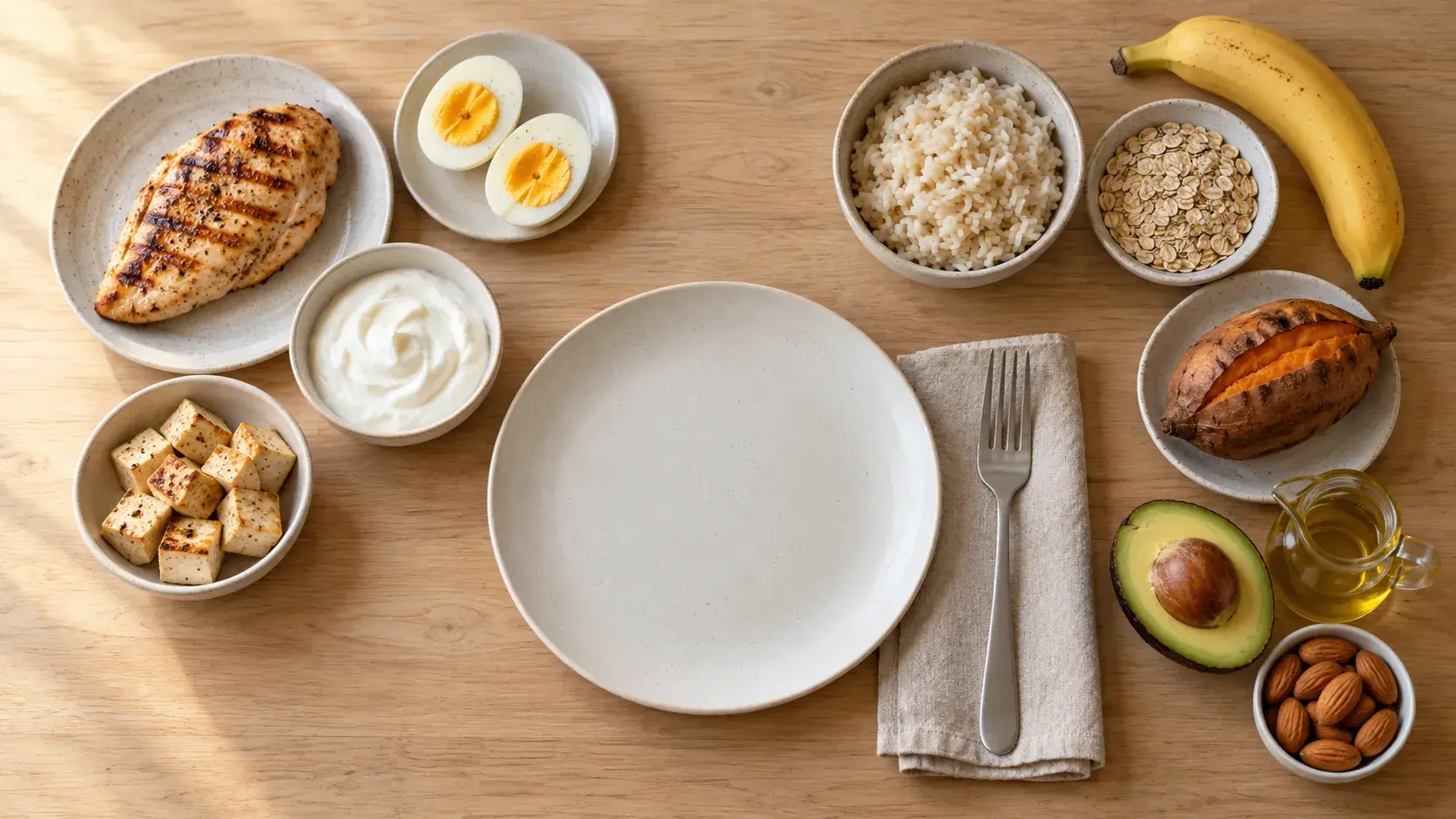
01 / The basics
Three macros, and what a gram of each is worth.
| Macro | Calories per gram | Mostly from |
|---|---|---|
| Protein | 4 | Meat, fish, eggs, dairy, tofu, beans and lentils |
| Carbohydrate | 4 | Rice, bread, pasta, oats, potatoes, fruit |
| Fat | 9 | Oils, butter, ghee, nuts, cheese, fatty meat |
Most foods carry all three. Chicken is mostly protein, rice mostly carbohydrate and oil all fat, but a bowl of dal or a slice of cheese has some of each, and your log counts them all.
02 / Set targets
Calories first, then protein and fat. Carbs take the rest.
- Calories. Start from your maintenance calories on the TDEE calculator, then set a little below or above it, depending on your goal.
- Protein. Set by body weight. 1.6 g per kg (about 0.7 g per lb) is a common figure for people who lift; the protein calculator shows the range by situation.
- Fat. A share of your calories, usually 25 to 40%.
- Carbs. Whatever calories are left, divided by 4.
03 / Worked example
2,000 kcal a day at 70 kg (154 lb).
| Macro | How it is set | Calories | Grams |
|---|---|---|---|
| Protein | 1.6 g × 70 kg | 448 | 112 g |
| Fat | 30% of 2,000 kcal | 600 | 67 g |
| Carbs | The 952 kcal left, ÷ 4 | 952 | 238 g |
In pounds, 154 lb × 0.73 g gives the same 112 g of protein. The macro calculator does this split for any calories and body weight, and divides it per meal.
04 / Logging
Log as you eat, protein first.
- Weigh for the first two weeks. A kitchen scale makes the first weeks accurate. After that most people can eyeball their usual meals and only weigh the new ones.
- Packaged food by barcode. The label already lists the macros, and scanning it saves typing them in.
- Home cooking, worked out once. Work out a dish you cook often and save it as your own food. See how to count calories in homemade food.
- Eating out, by photo or description. An estimate is better than a blank day. Check the portion before you save it.
- Protein and calories before the rest. If three numbers feel like a lot, track protein and calories for the first week or two, then add carbs and fat.
05 / Reading the numbers
Look at the week, not the day.
No day lands exactly on target, and it does not need to. A day heavy in carbs and a day heavy in fat even out. Check the weekly average: if protein is regularly short, add a protein-rich food to one meal rather than reworking the whole day.
Change the targets themselves only after two or three weeks of steady logging, and change one thing at a time, so you can tell what made the difference.
06 / In GymTribe
Your targets, next to what you ate.
Set daily targets for calories, protein, carbs and fat, plus fibre, sodium and sugar, or let the app work them out from your weight goal. Every meal you log, from the catalog, a barcode, a photo, a description or one of your own foods, fills in the day against those targets. If you work with a coach, they can set the targets for you.
Keep it light
Three numbers, checked once a week.
Macro targets are a starting point, not a rule. These figures are general estimates, not medical or dietary advice; if you have a health condition, ask a clinician or registered dietitian before changing how you eat.