

Calorie counter app: Snap it, scan it or search it.
GymTribe counts calories four ways: photograph your plate for an AI estimate you check before saving, scan a barcode, search the food catalog, or type it in. Calories and six nutrients add up against your daily targets.

The short answer
How does a calorie counter app work?
GymTribe is a calorie counter with four ways to log a meal: a photo (the app lists each food it recognizes with an estimated portion and calories for you to check), a barcode scan for packaged food, a search of the food catalog, or manual entry. Each meal adds to your day's calories, protein, carbs, fat, fibre, sodium and sugar against your targets. Workouts, water, sleep and weight are in the same app.
- ways to log: photo, barcode, catalog, by hand
- 4ways to log: photo, barcode, catalog, by hand
- nutrients against your daily targets
- 7nutrients against your daily targets
- AI photo and text estimates a month, free
- 3 + 10AI photo and text estimates a month, free
How it works
Four ways in. One honest total.
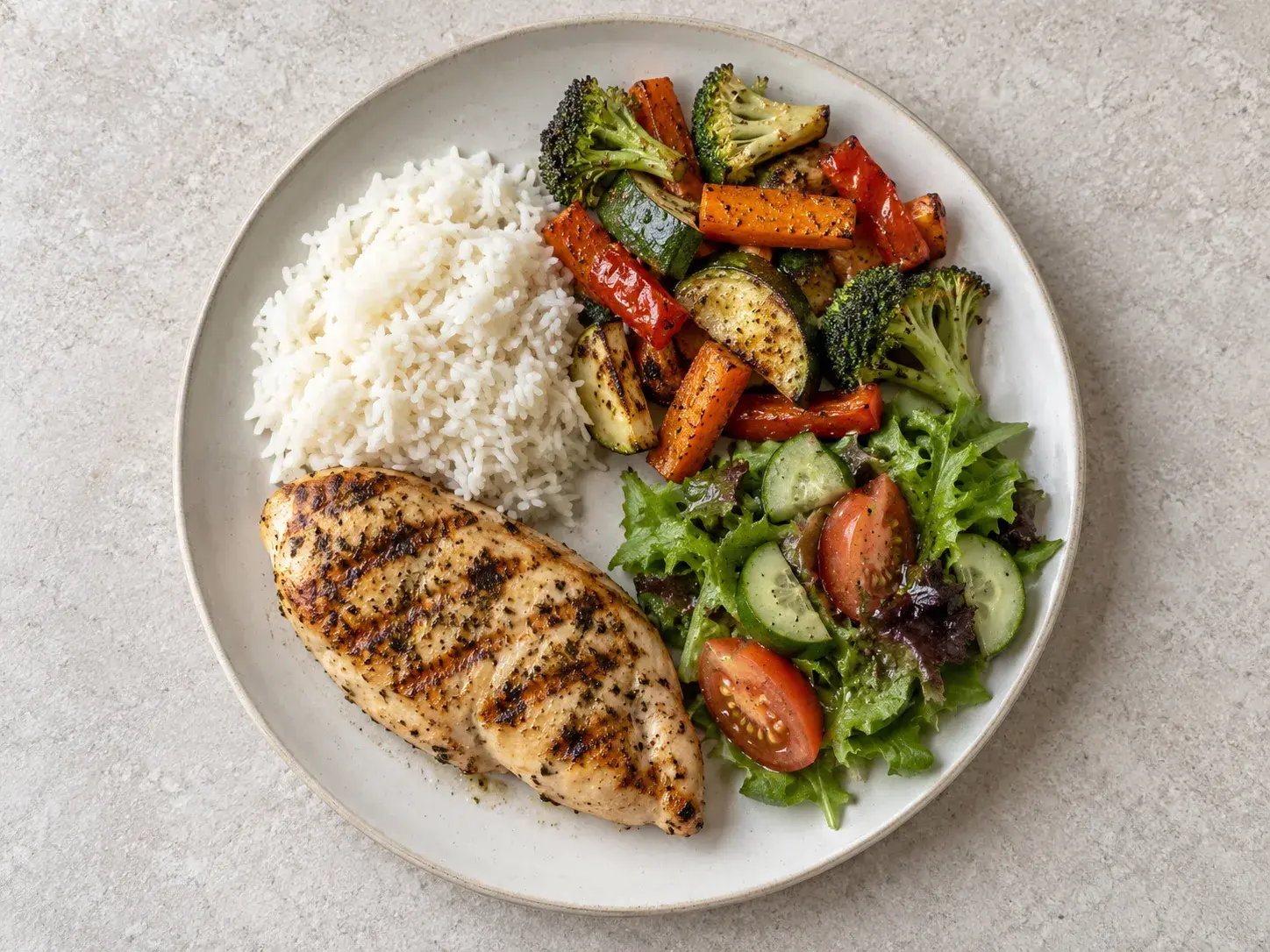
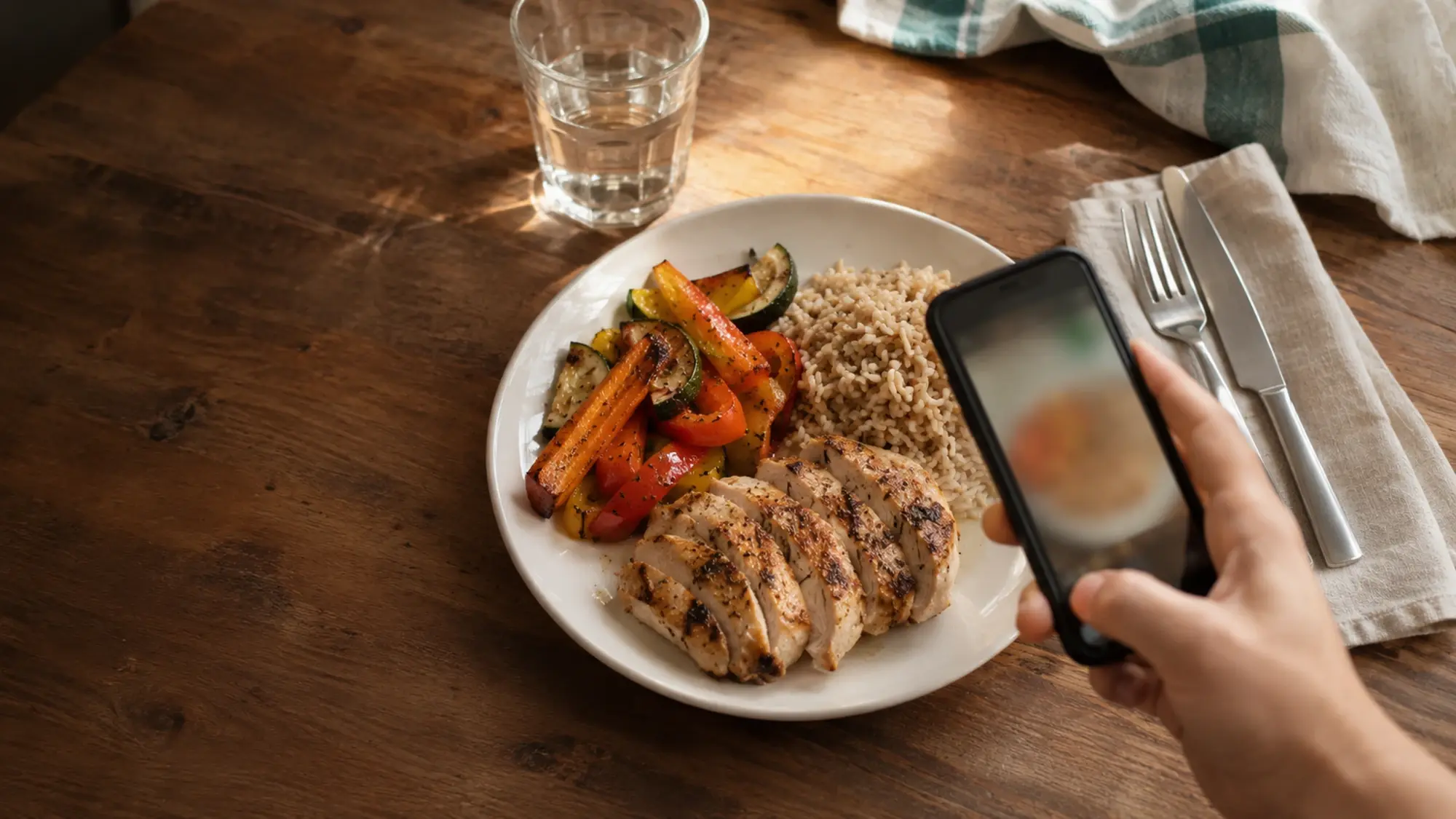
Take a photo or pick one from your gallery. GymTribe recognizes the foods on the plate and estimates each portion.
Change a portion, remove a food or add one it missed, then tap Add to today. Nothing is saved until you do.
Scan a packaged food, search the catalog, or type in what you know. None of these uses an AI analysis.
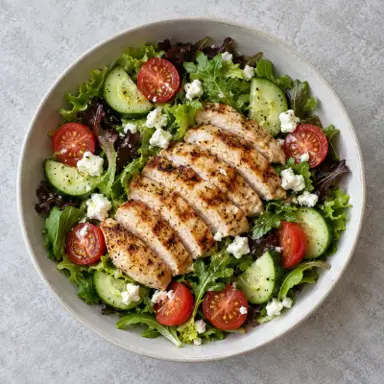
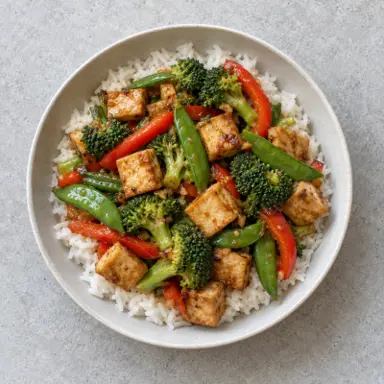
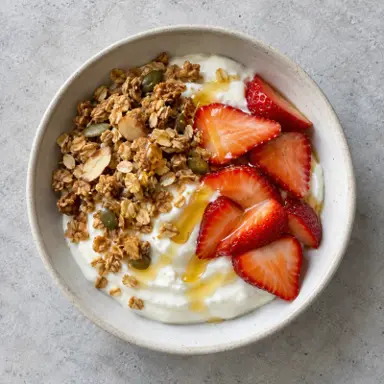
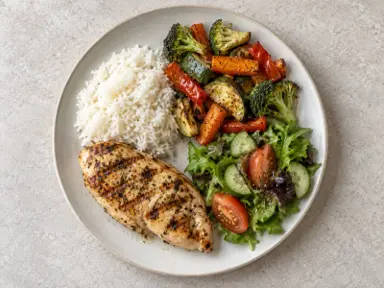
Dishes come with a photo, calories, protein, carbs and fat, with an All / Veg switch.
Calories, protein, carbs, fat, fibre, sodium and sugar, each against its daily target, as the day fills in.
A food calendar of every logged day, and a card of your month you can share.

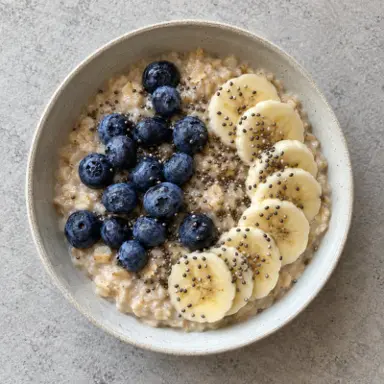
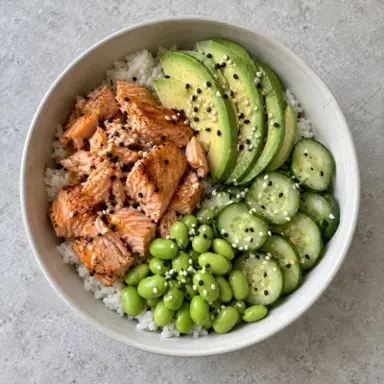
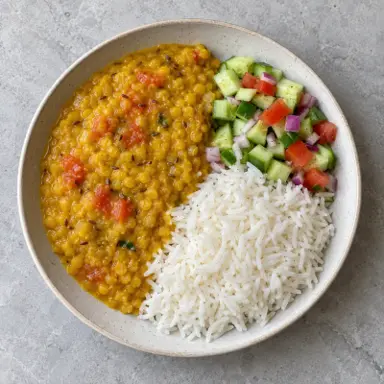
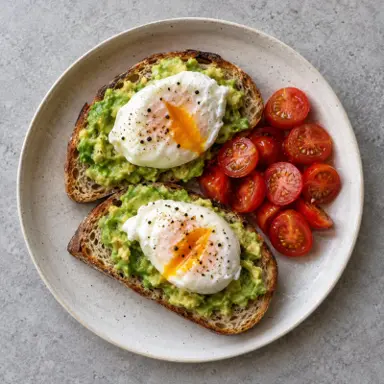

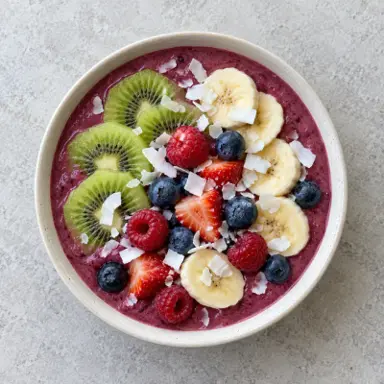
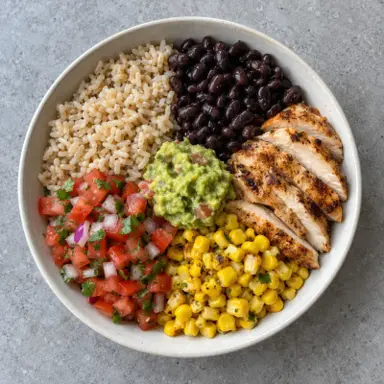
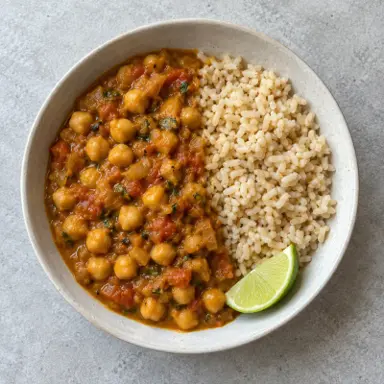


What to look for
What to check in a calorie counter app
The best calorie counter is the one you'll still be using next month. These decide that.
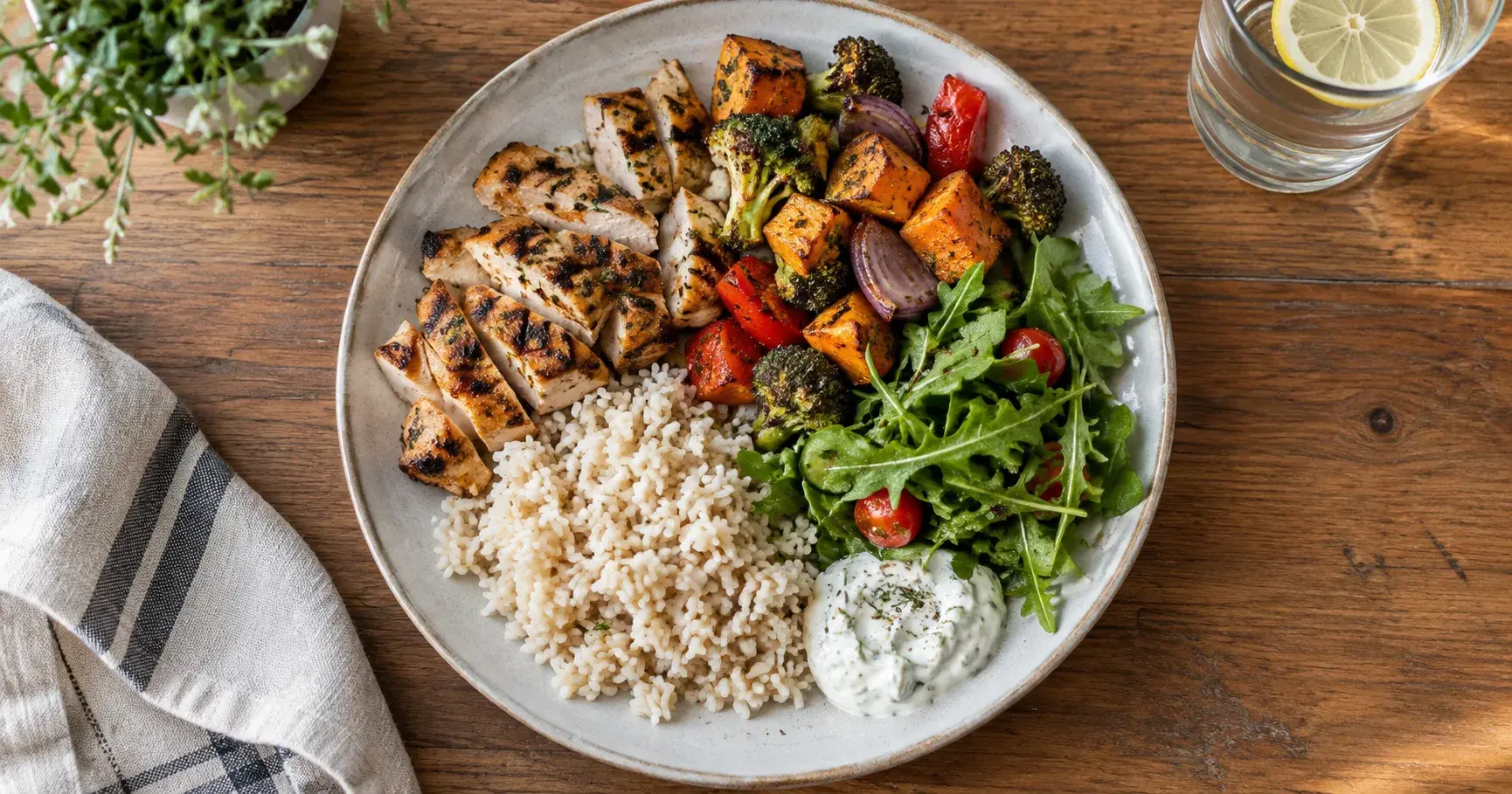
- A fast way to log a plateTyping every ingredient is why most people stop.In GymTribe: Meal photo with an AI estimate
- Estimates you can correctAI gets portions wrong sometimes; you should be able to fix it.In GymTribe: Review every item before saving
- Barcodes for packaged foodThe label is the most accurate number you'll get.In GymTribe: Barcode scanning
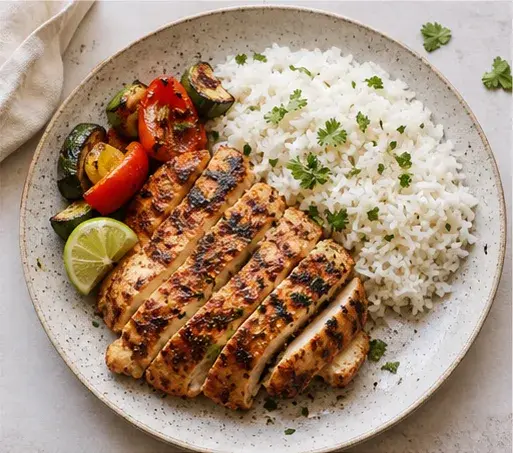
- Foods you actually eatHome-cooked dishes, not only branded snacks.In GymTribe: Catalog with Indian and everyday dishes; save your own foods
- More than caloriesProtein, fibre and sodium matter as much as the total.In GymTribe: 7 nutrients against targets
- Training in the same placeFood makes more sense next to your workouts.In GymTribe: Workouts, water, sleep and weight too
Also in GymTribe
One app for the rest of your week.
Calorie counter app: questions
What GymTribe does, what's free and how it works.
Is GymTribe free?
Yes. The free plan covers food logging from the catalog, by barcode or by hand, 3 AI photo and 10 AI text meal estimates a month, the 600+ exercise library, up to 4 routines of your own, 3 AI-built workouts a month, PR alerts, water, sleep, steps and weight, your daily streak, and your last 3 months of history and charts. Premium adds full history, more AI and unlimited routines; see the pricing page.
How does the photo calorie counter work?
Take a photo of your meal or pick one from your gallery. GymTribe lists each food it recognizes with an estimated portion and calories, plus the meal's protein, carbs and fat. You can change a portion, remove a food, add one it missed or retake, then tap Add to today.
How accurate are AI calorie estimates?
They are estimates. Portion size is the hardest part for any photo estimate, which is why GymTribe shows each item and portion for you to check before saving. For packaged food, the barcode is more exact.
Can I scan barcodes?
Yes. Scan a packaged food's barcode to log it. Barcode, catalog search and adding a food by hand use no AI analysis, so they don't count toward the AI allowance.
Can I describe a meal instead of photographing it?
Yes. Type what you ate and GymTribe estimates it from the text. The free plan includes 10 text estimates a month.
What nutrients does it track?
Calories, protein, carbs, fat, fibre, sodium and sugar, each against a daily target.
Can I save my own foods and recipes?
Yes. Save a food with its serving and nutrition, typed in or filled by AI and reviewed, and it sits in Your foods for one-tap logging. The free plan includes your first saved foods; saving more is part of Premium.
How do I work out my calorie target?
The free TDEE calculator on this site estimates how many calories you burn in a day; set your target from that in the app.
Does it have Indian food?
Yes. The catalog includes Indian dishes such as dal makhani, rajma, chole, egg bhurji and paneer tikka, alongside everyday dishes from other cuisines.
Does it sync with Health Connect?
Yes. Steps, workouts and sleep sync with Health Connect on Android, and with Apple Health on iPhone once the iPhone app is out.
Can I share my logs with a personal trainer?
Yes, if your trainer invites you. You choose what they see: food tracking, activity (steps, sleep and water), workouts and supplement routines can each be kept private, and they see data from the invite date unless you choose to share all of it.
Is there an iPhone app?
It is coming soon. Today GymTribe is on Android through Google Play.