What a workout tracker app should record, and a simple log you can copy.
A workout log has one job: tell you what you did last time, so today can be a little better. A notebook can do that. So can an app, as long as it records the right things and shows them when you are standing at the rack. Here is what to record, a template to copy, and how to tell when an app is worth switching to.
3 min read
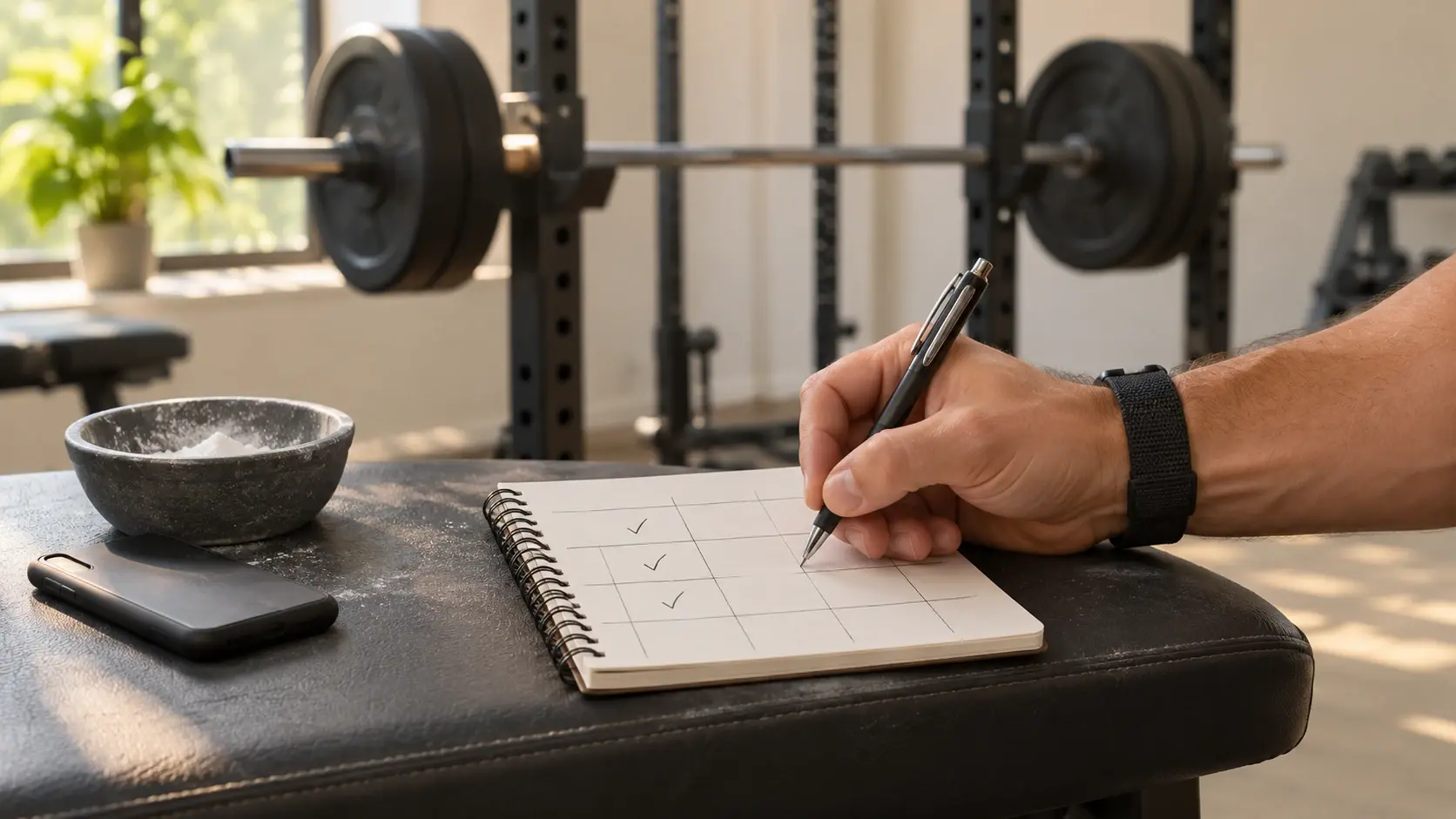
01 / The minimum
Five things for every set.
- The exercise, under one name. “Bench press” and “Flat bench” become two separate histories. Pick one name and keep it.
- The weight. In the same unit every time, and say whether it is per hand or the total.
- The reps. For every set, not only the best one.
- The set number. Because the last set usually has the fewest reps.
- The date. So you can see how many weeks the numbers took to move.
Two optional extras are worth the few seconds: rest time between sets, and a short note when something felt off, such as a short night or a sore shoulder.
02 / A log you can copy
One row per set.
| Date | Exercise | Set | Weight × reps | Note |
|---|---|---|---|---|
| Nov 5 | Back squat | 1 | 80 kg × 8 | Easy |
| Nov 5 | Back squat | 2 | 80 kg × 8 | |
| Nov 5 | Back squat | 3 | 80 kg × 7 | Last rep slow |
| Nov 5 | Romanian deadlift | 1 | 70 kg × 10 |
Open the same page next session and aim to match or beat each row. That is the whole method, and How to track progressive overload explains how much to add and when.
03 / What to watch
Three numbers that show whether you are improving.
| Number | How it works | Example |
|---|---|---|
| Volume | Sets × reps × weight, per exercise or per session | 3 × 8 × 80 kg = 1,920 kg |
| Estimated 1RM | Weight × (1 + reps ÷ 30), the Epley formula. An estimate, not a tested max | 80 × (1 + 8 ÷ 30) ≈ 101 kg |
| Personal records | Heaviest weight, most reps at a weight, best set or best session | A first 9 reps at 80 kg |
The 1RM calculator does the estimate for you, and How to track strength progress shows how to read the charts.
04 / Notebook or app
An app earns its place after the first month.
A notebook works. It starts to cost you when you flip back through pages mid-workout, or when you want a chart and have to build it yourself. Look for an app that does these five things:
- Shows last time. The weight and reps from your previous session, while you do the set.
- Logs a set in a couple of taps. If it takes longer than writing it down, you will stop.
- Has a rest timer. So rest does not drift.
- Flags records. So a new best does not go unnoticed.
- Draws the trend. Per exercise, without you building a spreadsheet.
05 / In GymTribe
Last time and today’s target, on every set.
GymTribe has a library of 600+ exercises, quick workouts, starter routines, up to 4 routines of your own on the free plan, supersets and a rest timer. Each set shows what you did last time and a target for today, and a “New PR unlocked” alert appears when a set beats your record.
Charts cover the heaviest weight, estimated 1RM, set volume and session volume per exercise, and a body map shows how your sets are spread across muscles. The free plan keeps the last 3 months of history. If you want a plan to log, the free workout plans use exercises straight from the app, and the exercise guides cover technique.
Keep it boring
Write it down, then beat it.
Any log you keep using beats a perfect one you abandon. See how GymTribe works as a workout tracker app, or compare it with Hevy and Strong. This is general training information, not medical advice; if you have an injury or a health condition, check with a qualified professional before adding load.