Food tracker app basics: when to scan, when to snap a photo, and when to search.
A food tracker app only works if logging is quicker than the excuse not to. Most apps give you several ways to log a meal, and each is best for a different kind of food. Here is when to use which, so a full day takes a few minutes.
3 min read
01 / Four ways to log
Each method is quick for one kind of food.
| Method | Quickest for | Where it goes wrong |
|---|---|---|
| Barcode scan | Anything with a label: bars, yogurt, bread | Fresh food has no barcode, and you still set how much you ate |
| Catalog search | Plain foods and common dishes: eggs, rice, chicken | Your version of a dish may differ from the listed one |
| Photo or description | Restaurant plates and mixed meals | Portion size is a guess, and hidden oil is missed |
| Manual entry | Anything the others miss | You need the numbers from somewhere |
02 / Which to use
Pick by what is on the plate.
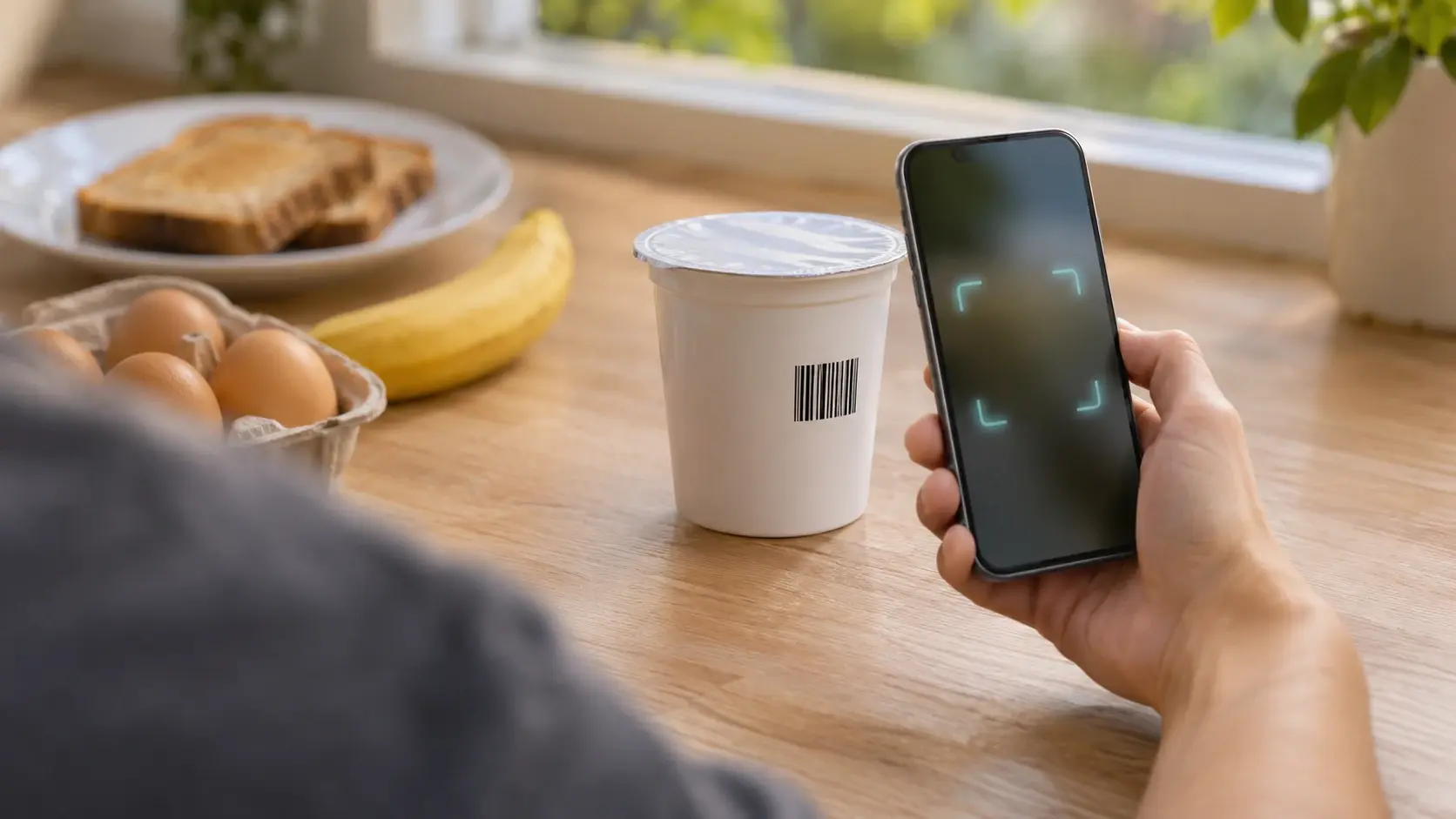
- Packaged: scan. Then set the amount you actually ate, not the whole pack.
- Simple home meal: search. Log each part, such as eggs, toast and a banana, and check the amounts.
- Dish you cook often: save it once. Make it one of your own foods, with a serving size and its nutrition. After that it is a single tap.
- Eating out: photo or text. Use the estimate as a starting point, then correct portions and add what it missed.
If a dish has many ingredients, the recipe calorie calculator will add them up, and you can save the result as your own food.
03 / Faster
Small habits that cut logging time.
- Log right after you eat. Memory fades within hours, and portions are the first thing to go.
- Search before you photograph. A catalog entry is usually more exact than an estimate.
- Log the big things first. Protein, grains and oil move the total most.
- Do not chase perfection. A rough log you keep for months beats a precise one you drop in a week.
How to start tracking food without being perfect covers the habit side in more depth.
04 / In GymTribe
All four methods in one place.
GymTribe lets you log from the food catalog, by barcode, by hand, or with a photo or short description. Photo and text estimates show each food and its portion before you save, and you can change an amount, remove a food or add one it missed. Barcode, catalog and manual logging use no AI. The free plan includes 3 photo and 10 text estimates a month; the pricing page has the full list.
Everything adds up against daily targets for calories, protein, carbs, fat, fiber, sodium and sugar, and the food calendar shows your month at a glance. See how the photo estimate works.
In short
Scan the label, search the basics, photograph the rest.
Use the quickest method that is accurate enough for the meal in front of you. GymTribe's calorie counter has all three: barcode, photo and catalog search. If you log mostly by photo, see GymTribe vs Cal AI. Calorie numbers are estimates in any app. This is general information, not medical or dietary advice.